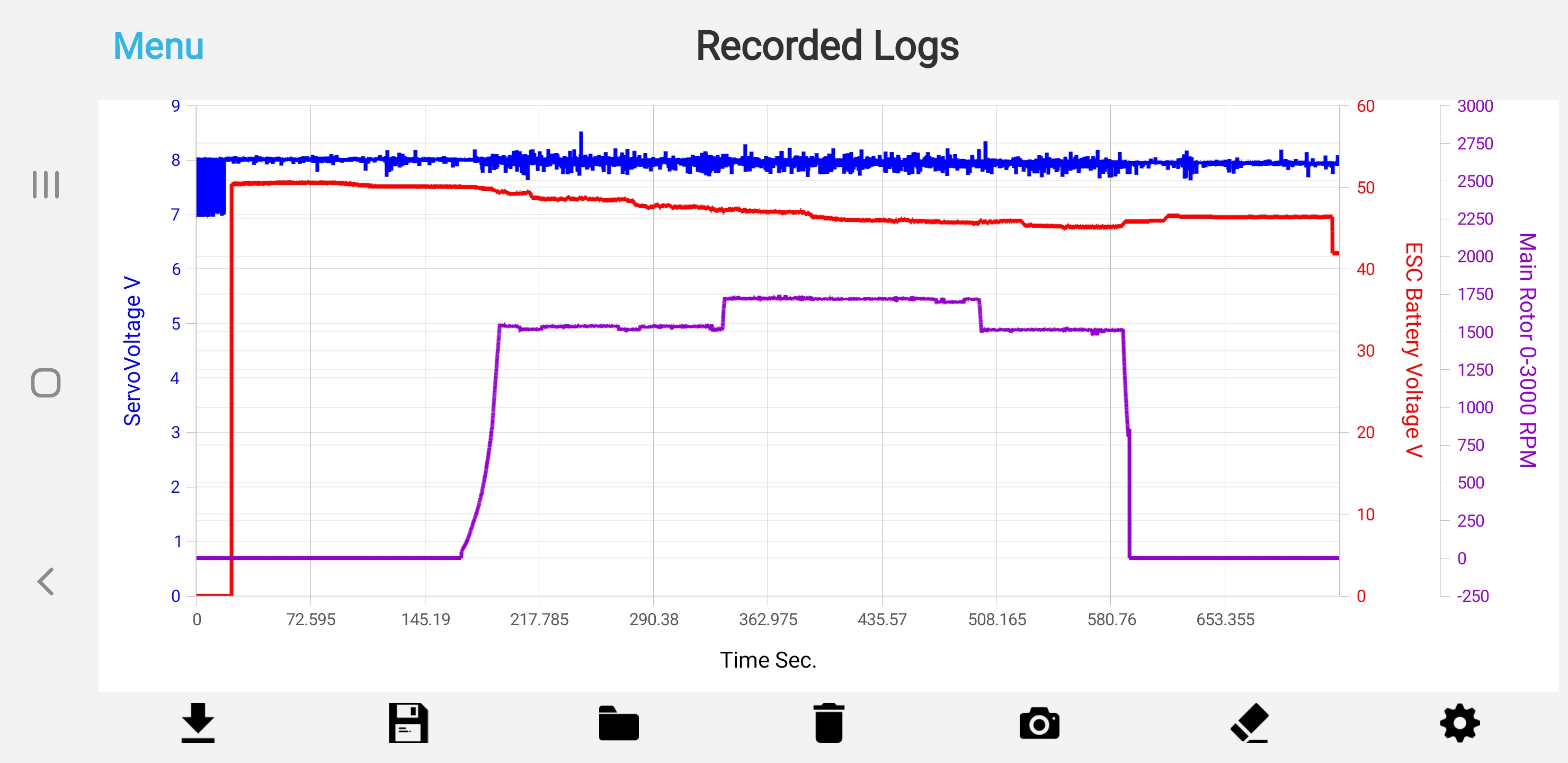
I have a new samsung galaxy note 10 it only has 256gig internal memory and no external micro SD card. I'm trying to save all my helicopter setup files on my new phone like I did with my past phone and it keeps giving me a write error. Please help.

When you install the Android app for the first time, it requires the various permissions necessary for the program to work. For example, to access Bluetooth and to be able to access files (even photos and multimedia content that are viewed by Android like other types of files).
If you told Android no to read/write from memory by the program, then Android will prevent the program from being able to save files in the memory of your device.
Once you have answered all the questions (Yes or No each), Android will not repeat the questions you have already answered.
If you want to edit your answers, you'll have to do it manually from the Android App Management Control Panel -> Authorizations.
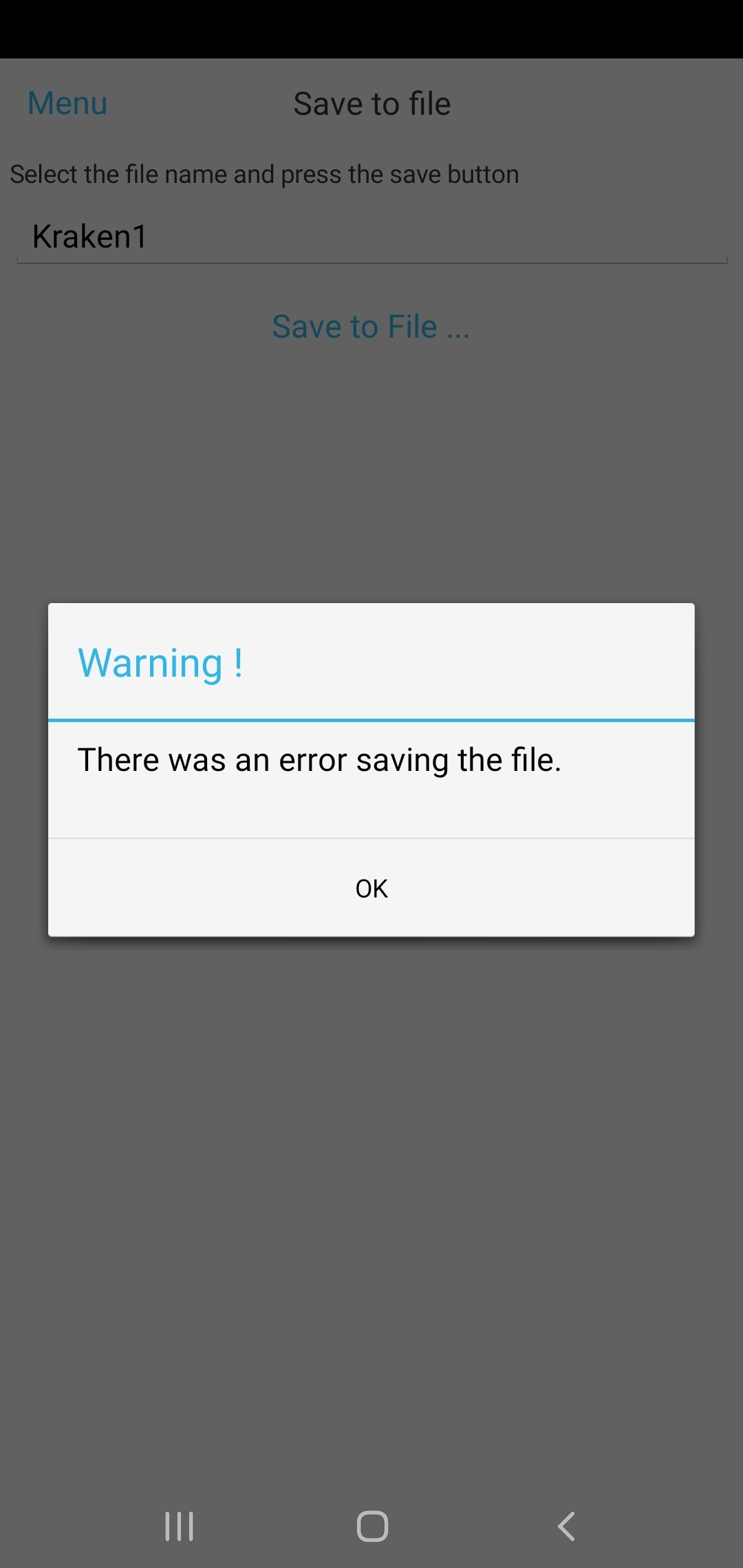
Hi, I've been over and over the permissions and I even returned the Galaxy note 10 and purchased the note 10 plus which has an SD card along with internal storage and still getting the same write error. I've now also found others having the same problem that are running android 10. Any other suggestions?
Only in these days are starting to be distributed in Italy updates to Android 10 for devices (smartphones and tablets) that we use for development and testing.
Soon we will be able to verify if the problem is caused by this umpteenth update of Android and if we will also find the same problem by reproducing it, we will be able to intervene and fix it.
Today we released an update to the Android app that should fix the problems introduced with Android 10 in saving and reading files.
We have been giving this version for several days to our beta testers but we haven't received any feedback (probably no beta tester device has received the update to Android 10).
Only one of our devices has received the update to Android 10 (a smartphone) and with the new version of the app it works correctly.
But only one device is a bit small to be able to say that the problem introduced with the many versions of Android 10 for different devices is solved for everyone.
So please let us know if your device now works with the new version as well.
Thanks.
Okay, I will test it now
The new update fixed the file saving option with Android 10. Thanks Dave
?

@customercare. Hi, I had a similar problem to maione72. I have a Samsung galaxy note 9 which is running on android 10. The Brain phone app is version 3.3.006. I attempted to save a file recently at the field and received the same error message as maione72. I had another go today at home to save the file and it saved successfully (same process was used). I then attempted to reload the saved file to the Brain app; just to check of it would reload OK. The attached picture is what I got. The original file downloaded to the app from the Ikon displayed normally on my phone. Could someone please go through the process of downloading a saved file and check the results.
Thank You.
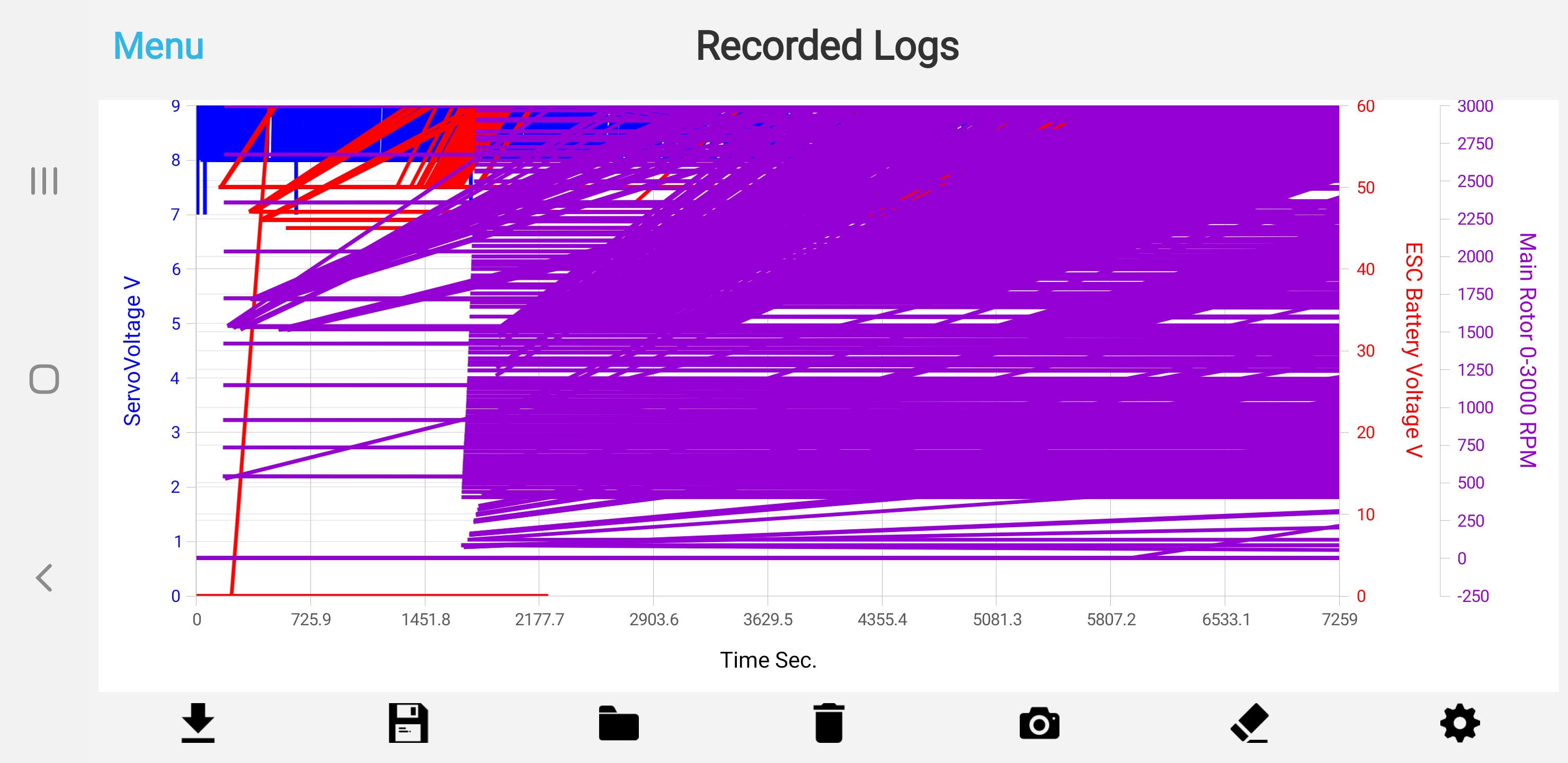
Thank you for reporting your problem on your Galaxy Note 9.
However, we would need the flight log file in order to be able to analyze it and try to figure out if the problem occurs during the download and is therefore a problem in the file or a problem with the graphical display of the files even if the files are correct.
Have you tried to transfer the file to your PC and upload the same file with the Windows app to see if it is displayed correctly?
Thank you.
Hi,
As suggested, I have downloaded the attached file to the PC and the file displays correctly with the windows 10 app. I have attached the file for your examination (766flightlog4.csv). Also attached is a photo of the phone app showing the file when it was first downloaded from the Ikon. At one stage, I reloaded a file to the phone app and got an error which stated that I was trying to load an event log to the recorded log display. I have attached this file as well (labelled Error File FL4) and also attached the error screenshot. Please note that this file is another download I did of flight log 4. I hope this all helps.
Cheers.